 HardDiskSentinel
Practical guide
The warning signs are often quieter than people expect.
Hard drives can fail suddenly, but many give hints first. The key is to treat symptoms as evidence, not as annoyances to postpone.
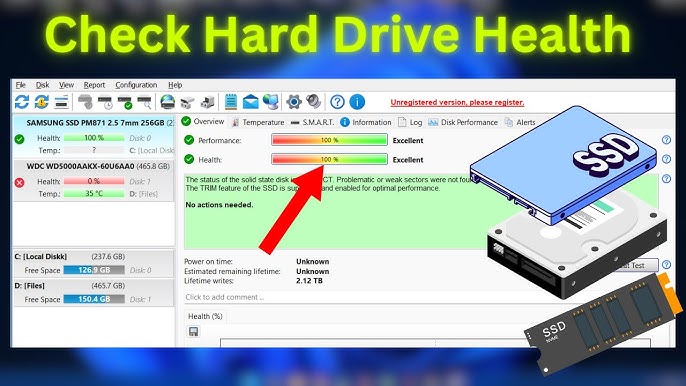
Slow access and copy errors
If folders take unusually long to open or files fail to copy, the drive may be retrying reads from weak areas. Check health and back up quickly.
Missing or corrupted files
Files that disappear or refuse to open can point to file-system damage, media problems or both. Do not keep writing new data until important files are safe.
Noise, disconnects and boot failures
Clicking, scraping, repeated disconnects or boot failures are serious signs. Power down and protect recovery options if the data is critical.
SMART warnings are not background noise
A warning about sectors, health decline or communication problems means the storage layer has evidence. Investigate it before normal work resumes.
Ready to inspect your storage health?
Use the download section as your starting point, then return to the guides when a number, warning or graph needs interpretation.
Download